

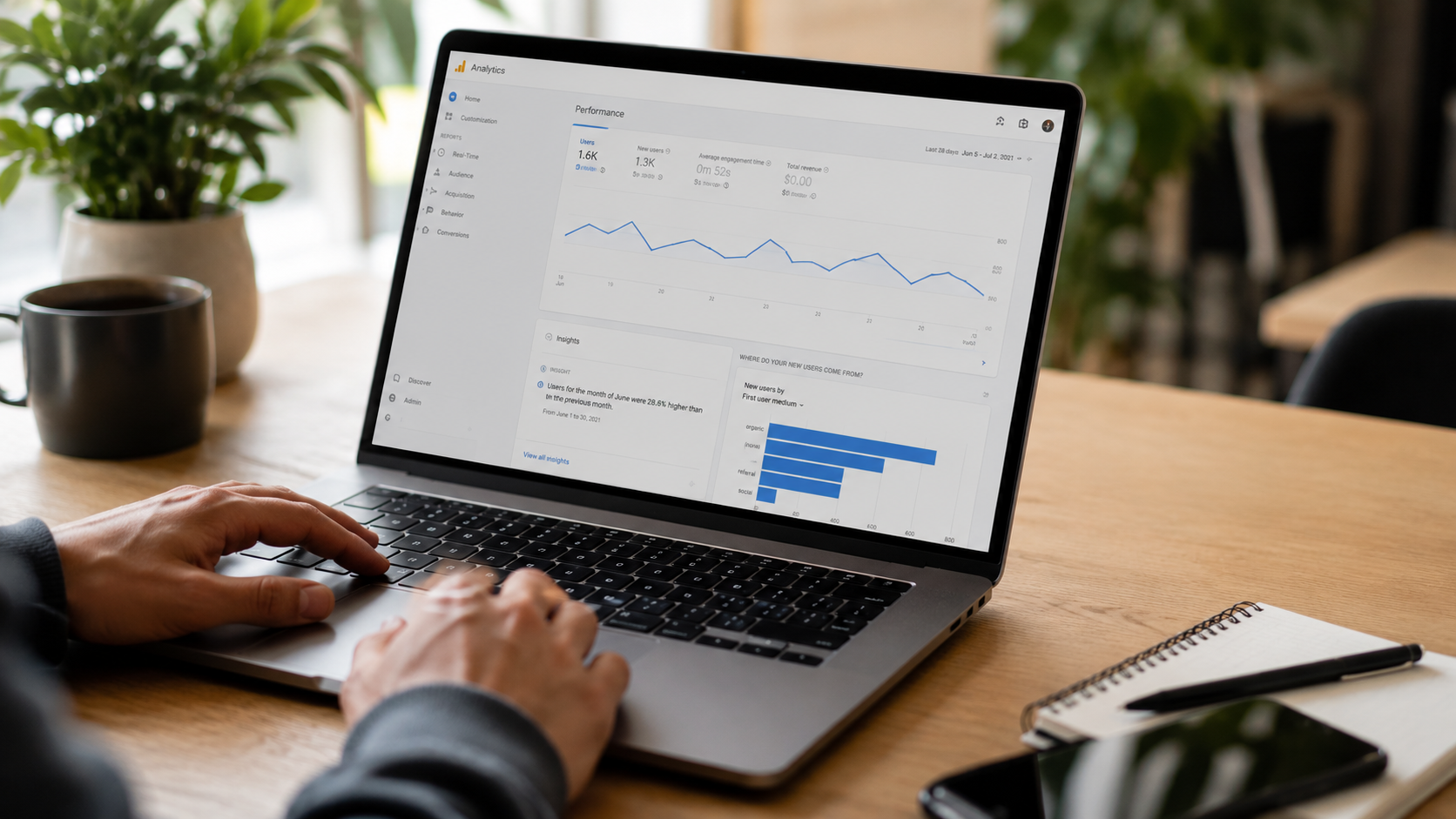
Most SEO advice assumes you're starting from zero. You're not. You already have a website, some traffic, maybe a few rankings. What you probably have too is a handful of small problems quietly dragging everything down, things that take an hour to fix, but nobody's gotten around to.
Table of Contents
That's what this post is about. Not a full SEO strategy. Not a 6-month content plan. Just 15 specific website fixes that directly affect rankings, user experience, and visibility in both Google and AI-powered search tools like Perplexity and ChatGPT. Fix them in order, or cherry-pick based on what's most broken. Either way, you'll see movement.
Fix 1 - Title Tags That Say Nothing
Open your website. Look at the browser tab. Does it say "Home" or just your company name?
That title tag is what shows up in Google search results. It's also one of the first signals Google uses to understand what the page is about. A title that doesn't describe the page is a missed opportunity, for both rankings and clicks.
What a bad title looks like:
Home | Auxilium Technology
What a good one looks like:
SEO & Web Design Services in Maryland | Auxilium Technology
The fix takes five minutes per page. Go through your top ten pages and rewrite any title that doesn't include what the page actually covers. Keep it under 60 characters so Google doesn't cut it off.
Quick check: Paste your URL into Screaming Frog's free version and export the title tag column. Sort by length and look for anything under 30 characters — those are almost always too vague.
Fix 2 - Images Nobody Compressed
This is probably the most common performance issue on small-business websites. Someone exported a photo directly from their camera or Canva, uploaded it at full resolution, and now the page takes six seconds to load.
One uncompressed image can add 2–4 seconds to load time. Most pages have ten of them.
How to fix it:
- Go to Squoosh.app - it's free and takes 30 seconds per image
- Convert to WebP format
- Compress to under 150KB
- Re-upload and replace
While you're at it, add alt text to every image. This is what Google reads when the image itself can't load. It also feeds into image search rankings and helps screen readers — so it matters for accessibility as much as SEO.
Bad alt text: image1.jpg or blank Good alt text: SEO audit report for a Maryland law firm
Fix 3 - Broken Links You Don't Know About
Every site accumulates broken links over time. Pages get deleted, URLs change, and external sites go down. The result is 404 errors that visitors hit unexpectedly — and that Google's crawler hits too.
When Google crawls your site and runs into too many dead ends, it starts crawling less of it. Pages that should be indexed aren't. Rankings quietly drop, and nobody can explain why.
How to find them:
- Open Google Search Console → Coverage → look for "Not found (404)" errors
- Or run a free crawl with Screaming Frog (up to 500 URLs free)
What to do:
- Fix internal broken links by updating the URL
- If a page was deleted, set up a 301 redirect to the most relevant existing page
- For broken external links, either remove them or replace them with a current source
Also, look for redirect chains — when Page A sends to Page B, which sends to Page C. These slow load times and bleed link equity. Collapse them to one direct redirect.
Fix 4 - Headers Used for Decoration, Not Structure
Heading tags (H1 through H6) are not a styling choice. They're a structural signal to both users and search engines about how a page is organized.
The most common mistake: using H2 or H3 tags to make text bold and large, even when it's not actually a section heading. The second most common: putting three H1 tags on a single page because someone styled them to look like the main title.
What well-structured headings look like:
H1: SEO Services for Maryland Businesses
H2: What Our SEO Process Looks Like
H3: Month One - Technical Audit
H3: Month Two - On-Page Optimization
H2: Industries We Work With
H3: Law Firms
H3: Medical Practices
A clean heading structure helps Google map out your content. It also helps AI platforms like Perplexity understand which section of your page answers which question, which directly affects whether you get cited in AI-generated answers.
One rule worth knowing: Google's John Mueller has said multiple H1s aren't a penalty. What matters is a logical hierarchy your readers can follow. But for most pages, one H1 covering the main topic is still the cleanest approach.
Fix 5 - Pages Google Can't Tell Apart
If two pages on your site have the same title tag, Google doesn't know which one to rank. It may rank neither, or it may alternate between them unpredictably.
This happens more often than people think, especially on sites with service pages for multiple locations, or e-commerce stores where product variants get their own URLs.
Signs you have this problem:
- Service pages for different cities with the same title and description, just the city name swapped
- Blog posts covering similar topics with nearly identical titles
- Product pages where only the color or size differs
The fix: Every page should have a unique title tag and a unique meta description that reflects what makes that specific page different. Location pages need localized content — not the same page copy with the city name changed.
Run your site through Google Search Console → Performance → Pages. If two pages are ranking for the same keywords at similar positions, they may be competing with each other.
Fix 6 - No FAQ on Your Service Pages
FAQ sections get underestimated. They're not just filler content; they're one of the most reliable ways to show up in Google's "People Also Ask" boxes, which appear prominently above and within organic results.
More importantly for 2025: AI platforms like ChatGPT and Perplexity specifically look for direct question-and-answer content when forming their responses. A page that asks "How long does SEO take?" and answers it in two clear sentences is far more likely to be cited than a page that buries the same information in a paragraph.
What works: Questions written the way people actually search them.
❌ "Information regarding our search engine optimization timeline" ✅ "How long does SEO take to show results?"
For local businesses, add location-specific questions too:
"Do you offer SEO services in Rockville, MD?" "How much does SEO cost for a small business in Maryland?"
These directly align with local search intent and help AI platforms connect your services to specific geographies.
Fix 7 - Internal Links Going Nowhere Useful
Look at your most important page, probably a core service page. Now count how many other pages on your site link to it.
If the answer is zero or one, that's a problem.
Internal links pass authority from one page to another. They also tell Google which pages matter most on your site. A service page with fifteen blog posts linking to it looks more important than one that's only linked from the navigation menu.
How to fix this:
- Pick your five most important pages (service pages, contact page, key landing pages)
- Go through your blog posts and find places where those topics come up naturally
- Add a link with descriptive anchor text — not "click here"
Bad anchor text: "Learn more about our services here." Good anchor text: "our technical SEO audit process"
This takes an afternoon and consistently produces noticeable ranking movement within 4–8 weeks.
Fix 8 - Blog Posts Aging Out of Rankings
A post you wrote two years ago, ranking at position 8, is probably sliding. Competitors have published fresher versions. Statistics cited in the post are outdated. Google notices both.
The good news: refreshing an existing post almost always beats writing a new one. Google already knows the page exists, has already evaluated it, and is more likely to trust an updated version of a known page than a brand-new one.
Signs a post needs refreshing:
- Stats or references older than 2 years
- Rankings dropped from where they were 6 months ago
- The topic has evolved, and your post doesn't reflect that
- Competitors are ranking above you with more thorough coverage
What to update:
- Replace outdated statistics with current sources
- Add a new section covering something you missed
- Fix or replace any broken outbound links
- Update the publish date after you've made real changes (not just to game it)
Pro tip: In Google Search Console, go to Performance → sort by Position → filter for positions 5–20. Those are your best opportunities. They're already close; a refresh is often enough.
Fix 9 - Answers Buried Three Paragraphs Deep
This one matters for AI search more than anything else on this list.
When Google's AI Overview, Perplexity, or ChatGPT pulls an answer from your page, it doesn't read the whole thing. It scans for a direct, self-contained response near the top. If your page spends two paragraphs on background before getting to the actual answer, AI skips it. Your competitor who led with the answer gets cited instead.
Before:
In this article, we're going to take a comprehensive look at what structured data is, why it matters, how it developed over time, and how you can start implementing it on your website...
After:
Structured data is code added to a webpage that tells search engines what the content means, not just what it says. It powers rich results like star ratings, FAQs, and product prices in search.
Lead with the answer. Explain afterwards. This is the opposite of how most people write, but it's how AI-friendly content needs to work.
Fix 10 - No Schema Markup at All
Schema markup is code that labels your content so search engines understand what it is, not just what it says. It's what enables star ratings, FAQ dropdowns, business hours, and breadcrumbs to appear directly in search results.
Without it, you're leaving those visual enhancements on the table and making it harder for AI platforms to categorize your content correctly.
If you're on WordPress, install Rank Math; it handles most of this through a settings panel, no coding required. After adding it, validate with Google's Rich Results Test.
Fix 11 - A Google Business Profile Nobody Updates
For local businesses, your Google Business Profile often matters more than your website. The map pack, those three results that appear under the map for local searches, gets more clicks than everything below it.
Yet most businesses set up their profile once and never update it again.
What actually affects your map pack ranking:
- Completeness of your profile (fill out every field, including service areas and products)
- Recency of posts and photos
- Volume and recency of reviews
- Response rate to reviews — including negative ones
- Accuracy of your business category
Post an update at least twice a month. Ask every satisfied customer for a review. Respond to all of them within 48 hours.
The businesses that dominate the map pack in competitive local markets aren't doing anything exotic. They're just staying consistent with this while their competitors go dormant.
Fix 12 - A Mobile Experience That Frustrates People
Google indexes the mobile version of your website first. Not the desktop version, mobile. If your mobile site is slow, hard to navigate, or visually broken, that's the version Google evaluates for rankings.
More than 60% of searches are performed on mobile devices. Test your site on an actual device, not just a browser's developer tools. Use your thumbs. Go through the main user journey.
Things to check manually:
- Can you read the text without zooming in?
- Are the buttons big enough to tap without accidentally hitting something else?
- Does anything require horizontal scrolling?
- How long does the page take to load on a 4G connection?
Also, run your URL through Google's Mobile-Friendly Test. It flags issues you might miss visually, like tap target spacing that's technically too small even if it feels okay.
Fix 13 - No Proof You're a Real Business
Google uses what it calls EEAT (Experience, Expertise, Authoritativeness, Trustworthiness) to assess a website's credibility. In competitive industries and anything that touches money or health, these signals matter a lot.
The question Google is trying to answer: Is this website run by people who actually know what they're talking about, or is it generic content from nobody in particular?
Ways to signal that you're real:
- Author bios on blog posts (with credentials, not just a name)
- Case studies and real client results on service pages
- An "About" page that shows actual people and history
- Certifications, awards, or partnerships displayed clearly
- Phone number and address in the header — not just buried in the footer
None of this requires a fancy design. It simply requires you to provide meaningful, accurate information about your business on your website instead of relying on generic content.
Fix 14 - Core Web Vitals in the Red
Core Web Vitals are Google's official page experience metrics, and they're a confirmed ranking factor. Most business websites fail at least one of them, usually on mobile.
Go to PageSpeed Insights, enter your URL, and look at the mobile score. Anything below 50 is worth fixing.
The PageSpeed Insights report lists the specific issues causing your score to drop. Share that report with your developer and ask them to work through the top three items. In most cases, that alone gets you to a passing score.
Fix 15 - Pages With No Clear Next Step
This is the one that ties everything together.
You can have fast pages, clean markup, and great content, but if visitors land on a page and can't immediately figure out what to do next, they leave. A high bounce rate tells Google the page didn't satisfy what the person was looking for. Over time, that hurts rankings.
Every key page on your site should have one clear call to action. Not three options. One.
Bad: Three buttons, "Learn More," "See Our Services," and "Contact Us," all fighting for attention
Good: One button that matches what the page is about, "Get Your Free SEO Audit" on an SEO service page
Make it visible without scrolling. Make it specific to the page. And make sure it goes somewhere, a real form, a real phone number, a real next step.
Conclusion
SEO doesn't always need a big budget or a 6-month plan. Sometimes it's just a broken link nobody fixed, a title tag written in 2019, or a homepage image that never got compressed.
We've seen businesses at Auxilium Technology jump 15–20 positions just from cleaning up the basics, no new content, no backlink campaigns. Just fixing what was already there and working against them.
Go through this list. Find what's broken on your site. Fix it.
If you want us to do it for you, Auxilium Technology, a leading digital marketing company in Gaithersburg, Maryland, has been doing exactly this for local businesses for years. We know what moves rankings and what's just noise.
Frequently Asked Questions
Do I need to fix all 15 things at once?
No, start with whatever's most obviously broken. Title tags, broken links, and image compression are the fastest and hit every page at once.
How long before I see ranking changes?
Technical stuff, 3 to 5 weeks. Content updates, give it 2 to 3 months.
Do these fixes work for AI search, too, not just Google?
Yes. FAQ sections, direct answers, and clean headings are exactly what Perplexity and ChatGPT pull from.
What tools do I actually need?
Google Search Console and PageSpeed Insights are both free. That covers most of it.
My site is on Wix. Does any of this apply?
Most of it, yes. Title tags, alt text, internal links, and Google Business Profile — all work fine on Wix. Schema markup is the only one with more limitations on hosted builders.