
Website speed is no longer just a technical factor—it directly impacts user experience, search engine rankings, and conversion rates. In 2026, users expect websites to load almost instantly, and even a one-second delay can lead to higher bounce rates and lost opportunities. If you’re running a WordPress website, optimizing its speed should be a top priority.
Table of Contents
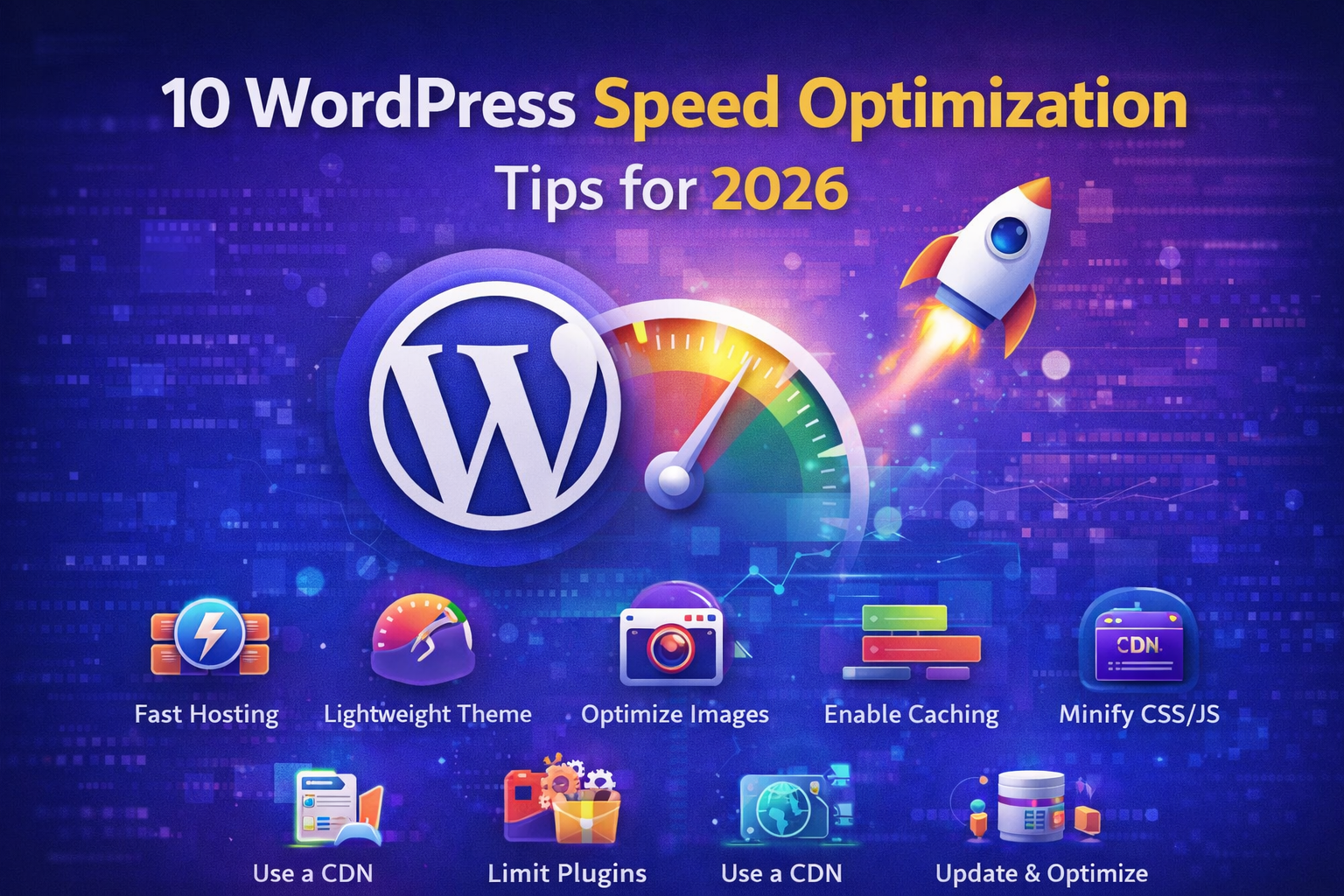
In this guide, we’ll explore 10 powerful WordPress speed optimization tips that can help you improve performance, enhance SEO, and deliver a seamless user experience.
1. Choose a High-Performance Hosting Provider
Your hosting provider plays a critical role in your website’s speed. Shared hosting might be affordable, but it often leads to slower performance due to limited resources.
Opt for managed WordPress hosting or cloud-based solutions that offer faster servers, better uptime, and optimized configurations specifically for WordPress websites.
2. Use a Lightweight Theme
Themes with excessive features and heavy design elements can slow down your website. Choosing a lightweight and well-coded theme ensures faster loading times and better performance.
Minimalist themes are not only faster but also easier to customize and maintain.
3. Optimize Images Properly
Images are often the largest elements on a webpage. Unoptimized images can significantly increase load times.
Compress images without compromising quality using modern formats like WebP. Additionally, use lazy loading so images load only when they are visible on the user’s screen.
4. Enable Caching
Caching is one of the most effective ways to improve website speed. It stores static versions of your pages and serves them to users instead of generating them dynamically each time.
Using caching plugins can drastically reduce server load and improve page load speed.
5. Minify CSS, JavaScript, and HTML
Minification removes unnecessary characters like spaces, comments, and line breaks from your code.
This reduces file sizes and allows browsers to load your website faster. Many optimization plugins can handle minification automatically, making it easy to implement.
6. Use a Content Delivery Network (CDN)
A CDN distributes your website’s content across multiple servers worldwide. When a user visits your site, content is delivered from the server closest to their location.
This reduces latency and ensures faster loading times for users across different regions.
7. Optimize Your Database
Over time, your WordPress database accumulates unnecessary data such as post revisions, spam comments, and transient options.
Regular database optimization helps clean up this clutter, improving overall website performance and reducing server load.
8. Limit Plugins and Use Quality Ones
While plugins add functionality, too many or poorly coded plugins can slow down your website.
Use only essential plugins and ensure they are regularly updated. Always choose well-reviewed and lightweight plugins to maintain optimal performance.
9. Enable GZIP Compression
GZIP compression reduces the size of your website files before they are sent to the user’s browser.
This significantly decreases load times and improves overall performance, especially for users with slower internet connections.
10. Keep WordPress, Themes, and Plugins Updated
Regular updates are crucial for performance, security, and compatibility. Developers often release updates to fix bugs, improve speed, and enhance functionality.
Keeping everything up to date ensures your website runs efficiently and avoids unnecessary slowdowns.
Why Website Speed Matters in 2026
With advancements in technology and increasing competition online, website speed has become a key ranking factor for search engines. Faster websites not only rank higher but also provide a better user experience.
Users today expect instant results. A slow website can lead to frustration, higher bounce rates, and lower conversions. On the other hand, a fast website improves engagement, boosts SEO performance, and increases customer satisfaction.
Final Thoughts
Optimizing your WordPress website for speed is not a one-time task—it requires continuous monitoring and improvement. By implementing these 10 tips, you can significantly enhance your website’s performance and stay ahead in the competitive digital landscape.
From choosing the right hosting provider to optimizing images and enabling caching, every small step contributes to a faster and more efficient website.
Businesses looking to maximize their online performance can benefit greatly from expert guidance. Auxilium Technology specializes in building high-performance, optimized websites that deliver speed, scalability, and exceptional user experiences. By leveraging the latest tools and best practices, they help businesses achieve faster load times and better digital outcomes in 2026 and beyond.