
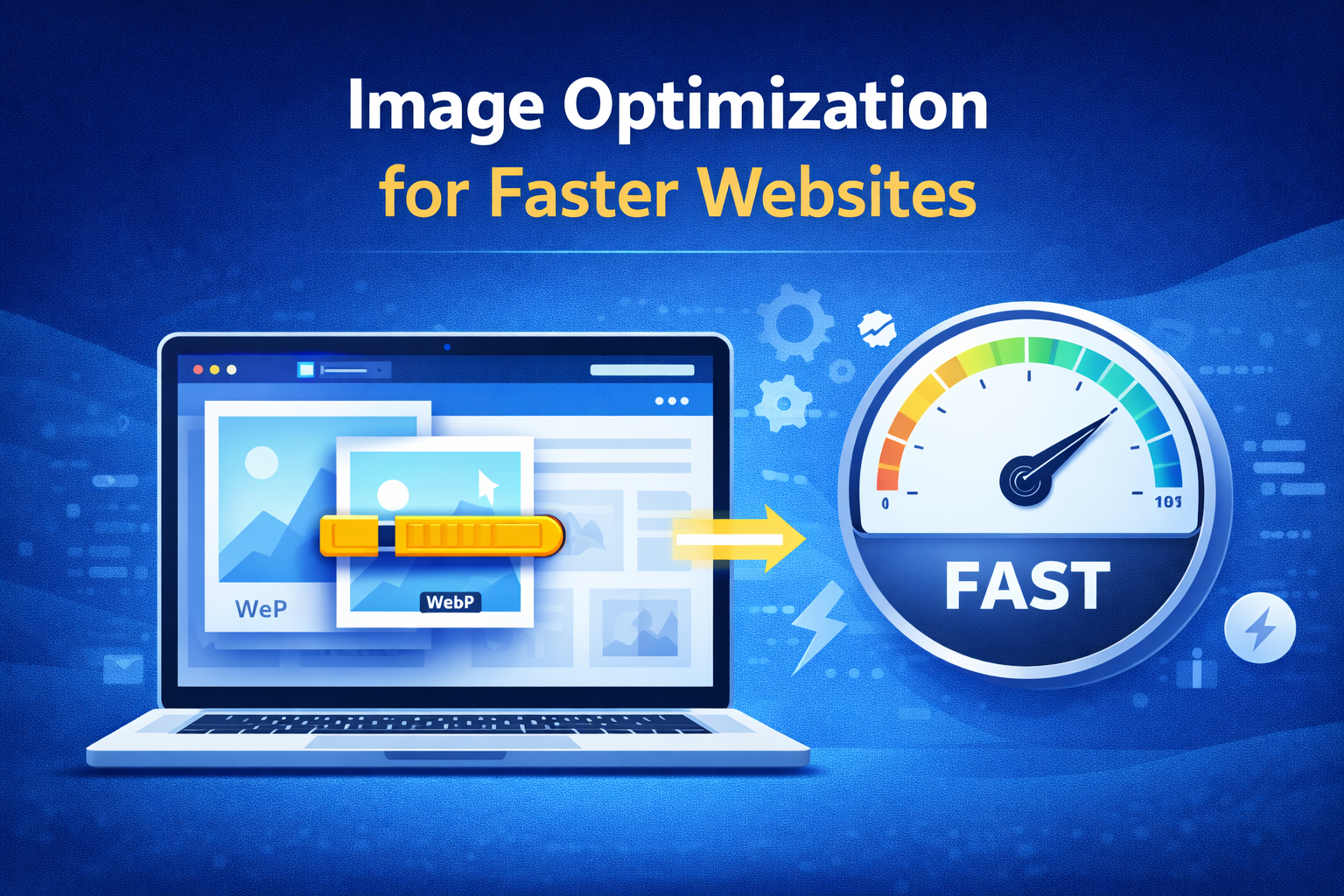
Website speed is important for search rankings but also for user experience. It is essential in today’s web-centric business world. Most people overlook image optimization that can heavily impact your website functions. Large, unoptimized images can really slow down your website, contributing to high bounce rates and low conversions.
Table of Contents
Using proper image optimization techniques can help increase loading speed, enhance user experience, and improve your SEO metrics. In this guide, we’ll discuss the best way to optimize images that speed up your website.
Why Image Optimization is Important
Essentially, images are imperative for designing a good-looking website. However, they can often be the heaviest-sized element on a page. Not optimizing them can increase page loading times and affect performance negatively.
Websites that load faster get found quicker on the search engine and keep visitors engaged. When images are optimized, it guarantees the best image quality and website performance without impacting speed.
Make Sure to Use the Right Image Format
Choosing the right image format is the first step for optimization. Various formats cater to varying needs:
- JPEG is best for photographs and complex images
- PNG supports images with transparency
- WebP is a modern image format that provides high-quality images while keeping file sizes smaller than standard JPEGs
- SVG lets you create minimalist icons and graphics
Correct file format can reduce size while maintaining visual clarity of images.
Reduce the Size of Images Without Quality Loss
Image compression helps to reduce file size and make images load faster. There exist two compression types:
- Lossy Compression makes the file smaller but can reduce the quality a little
- Compression without Data Loss keeps image quality intact but reduces size
Using compression tools promotes a balance between quality and performance.
Resize Images Correctly
When large images are uploaded and presented in a smaller size, the bandwidth is wasted and the slow speed of the website is incurred. Images should be resized to a fitting display size.
For instance, do not upload images that are 3000px wide if your site has an 800px width. Resizing appropriately helps in fast loading and efficiency.
Allow Lazy Loading
With the lazy loading method, images will only load when the user’s screen gets to that section. As a result, the initial loading of the page becomes faster, along with the overall performance.
Enhance the user experience by only loading the images when needed on a long webpage.
Implement a Content Delivery Network (CDN)
A CDN deploys website content to devices around the globe. When a user visits your site, the images are delivered from the closest server.
As a result, images load much faster regardless of where the user is located.
Optimize Image File Name and Alt Text
SEO isn’t just about speed, but visibility as well. Adjusting image file names and alt text helps search engines comprehend your content.
- Create file names that describe the picture (e.g “website-speed-optimization.jpg”)
- Provide relevant alt text for SEO and accessibility
Your possibility of ranking in image search increases with this.
Make Images Responsive
Responsive images change size to match different screen sizes. This prevents users on mobile devices from loading large images from the server.
By utilizing modern HTML attributes like srcset, browsers can choose a more appropriately sized image, enhancing performance across devices.
Reduce HTTP Requests
Every image on your site creates an HTTP request. Excessive requests may cause your page to lag.
Make better:
- Wherever possible, use image sprites
- Merge a few images into a single file
- Style all elements uniformly
Minimizing requests speeds up loading time and efficiency.
Activate Browser Caching
When a user visits a page for the first time, the browser stores images. When the user comes back, the images load from the cache in the browser instead of the server.
This greatly improves returning visitor loading times.
Make Use of Latest Image Optimization Tools
Image optimization can be automated with different tools and plugins. You can make use of these tools to compress, size, and convert images into modern formats.
Coupled with such tools, you ensure continuous optimization and save time.
Do Not Make These Common Image Optimization Mistakes
- Uploading high-quality images without compression
- Not looking toward compression
- Employing wrong file formats
- Avoiding alternate text
- Failure to deploy lazy load
Avoiding these mistakes can enhance performance and user experience.
Conclusion
Never neglect image optimization for your website for better performance of your website. You can improve the speed and efficiency of your website with the careful selection of formats, compression, lazy loading, and CDN use.
A quick website enhances user experience, improves search engine rankings, and increases conversions. Optimizing images can lead to powerful performance gains with small improvements.
At Auxilium Technology, we create high-performance websites employing superior optimization techniques. Our team optimizes everything from images to the whole website so that it works fast, efficiently, and superbly for the users.