
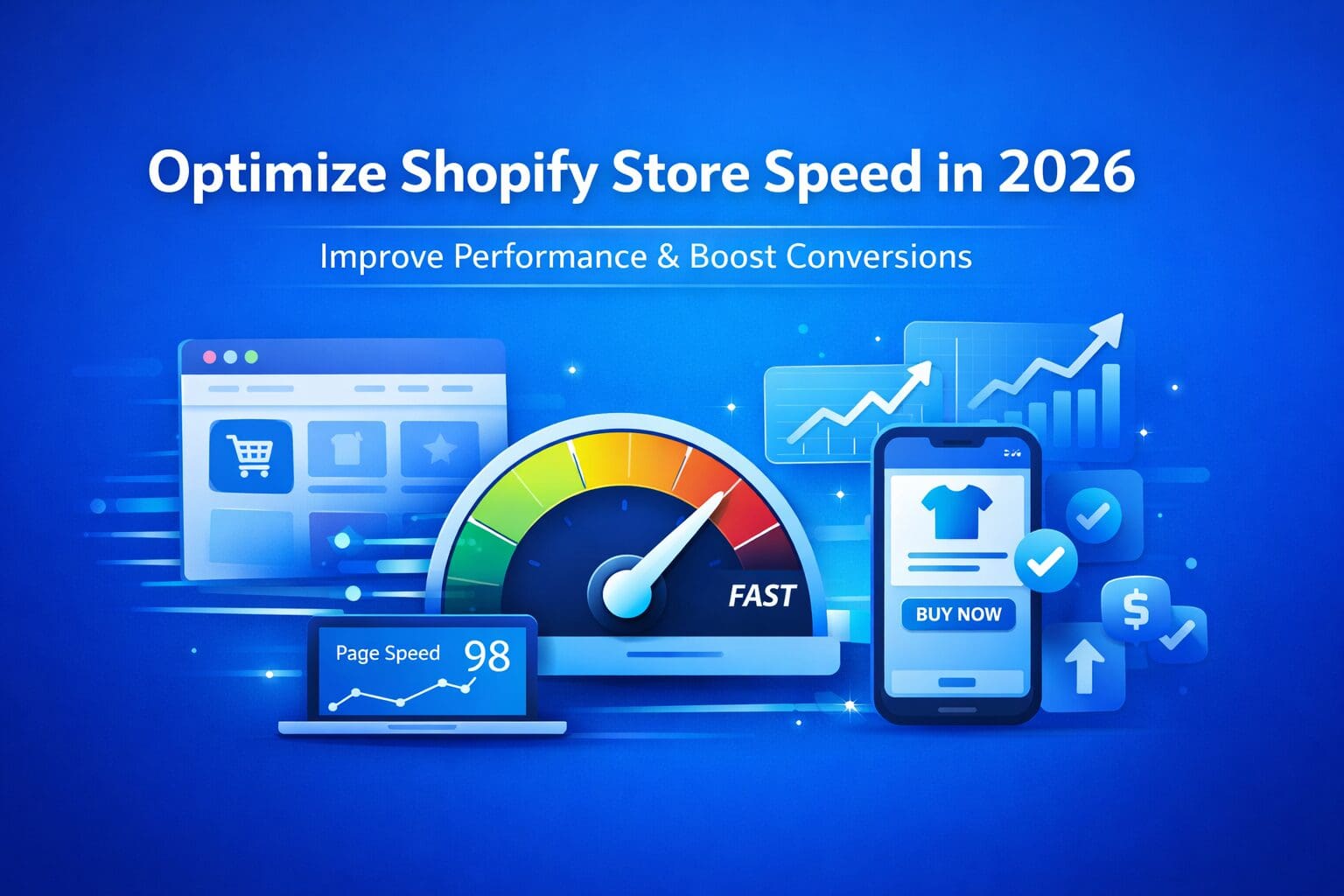
In 2026, speed is no longer optional for Shopify store owners. Online shoppers expect pages to load instantly, and search engines reward websites that deliver smooth, fast experiences. If your store loads slowly, you risk losing traffic, lowering conversions, and damaging brand trust. Optimizing speed is one of the smartest investments you can make for sustainable eCommerce growth.
Table of Contents
A fast Shopify store improves user satisfaction, reduces bounce rates, and increases revenue. It also plays a crucial role in SEO rankings because search engines now evaluate user experience signals more strictly than ever before. Let’s explore how you can optimize your Shopify store speed effectively in 2026.
Why Speed Matters for Shopify Stores
Shopify provides a strong hosting infrastructure, but performance still depends on how you manage your theme, apps, media files, and design elements. Even small delays can affect buying decisions. Studies consistently show that customers abandon websites that take more than a few seconds to load.
Speed optimization also improves Core Web Vitals metrics such as Largest Contentful Paint (LCP) and Cumulative Layout Shift (CLS). These indicators directly influence search visibility and overall website authority.
When businesses focus on Website Performance Optimization, they build stores that not only rank better but also convert better.
Choose a Lightweight and Optimized Theme
Your theme forms the foundation of your store’s speed. Many premium themes include heavy animations, sliders, and built-in features that you may not even use. While these features look impressive, they often slow down performance.
Select a lightweight, clean, and mobile-friendly theme. Remove unused sections, disable unnecessary design effects, and avoid overloading your homepage with too many elements. A minimal layout enhances both speed and user experience.
Optimize Images and Media Files
Images are essential for eCommerce, but they are also the most common cause of slow loading times. High-resolution product images must be optimized before uploading.
Here are essential media optimization practices:
- Compress images without reducing quality
- Use modern formats like WebP
- Enable lazy loading for below-the-fold images
- Avoid auto-playing background videos
- Resize images to match display dimensions
Optimized visuals ensure that your store remains attractive while maintaining fast load speeds.
Reduce and Manage Shopify Apps
Apps extend functionality, but each app adds extra scripts to your store. Over time, this can significantly slow performance. It is important to audit installed apps regularly and remove any that are unnecessary.
Keep your store clean by uninstalling duplicate or rarely used apps. In many cases, your theme may already offer built-in features that replace third-party applications. Fewer scripts mean faster loading and improved stability.
Optimize Code and Scripts
Although Shopify manages hosting, you still control theme files such as CSS, JavaScript, and Liquid templates. Cleaning up your code can dramatically improve performance.
Focus on minimizing render-blocking resources and removing unused scripts. Defer non-essential JavaScript so the main content loads first. Combine and minify CSS files where possible to reduce file size.
Efficient code ensures that browsers process your store quickly, improving both real and perceived load times.
Improve Mobile Performance
In 2026, most eCommerce purchases happen on mobile devices. A store that performs well on desktop but struggles on smartphones will lose customers.
To enhance mobile speed:
- Keep design simple and responsive
- Reduce heavy popups and intrusive banners
- Optimize mobile navigation menus
- Simplify the checkout process
- Test regularly using speed analysis tools
Mobile-first optimization should always be a priority for Shopify store owners.
Use Smart Loading Techniques
Modern speed strategies involve advanced loading methods that improve how content appears to users. Instead of loading everything at once, prioritize visible content first.
You can improve loading performance by implementing:
- Lazy loading for images and videos
- Deferred loading for non-critical scripts
- Preloading key assets like hero images
- Reducing third-party tracking scripts
These strategies make your store feel significantly faster, even if background elements continue loading.
Monitor and Maintain Performance
Speed optimization is not a one-time task. Every time you add new products, apps, or marketing tools, your performance can change. Regular testing helps identify new issues before they impact customers.
Use tools like Google PageSpeed Insights and GTmetrix to track your store’s health. Analyze reports carefully and fix bottlenecks immediately. Continuous monitoring ensures consistent growth and stability.
Focus on Clean User Experience
Over-design is one of the biggest mistakes Shopify store owners make. Fancy animations and excessive sliders often harm performance more than they help conversions.
A clean layout with clear product images, structured descriptions, and smooth navigation builds trust. Fast checkout processes and simple call-to-action buttons improve buying confidence. Remember, speed and simplicity go hand in hand.
When planning your online store strategy, performance should be part of Everything You Need to Build Your Website successfully. A beautiful design means little if it does not load quickly.
Final Thoughts
Optimizing Shopify store speed in 2026 requires a combination of smart theme selection, image compression, app management, clean coding, and continuous monitoring. Every improvement contributes to better search rankings, improved user experience, and higher conversions.
Businesses that prioritize performance gain a competitive advantage in today’s fast-moving digital marketplace. If you are serious about building a high-performing, scalable Shopify store, professional guidance can make a significant difference.
Auxilium Technology helps businesses create fast, conversion-focused eCommerce platforms that are optimized for long-term success. By implementing proven strategies and modern performance standards, you can ensure your Shopify store delivers the speed your customers expect and your business deserves.