

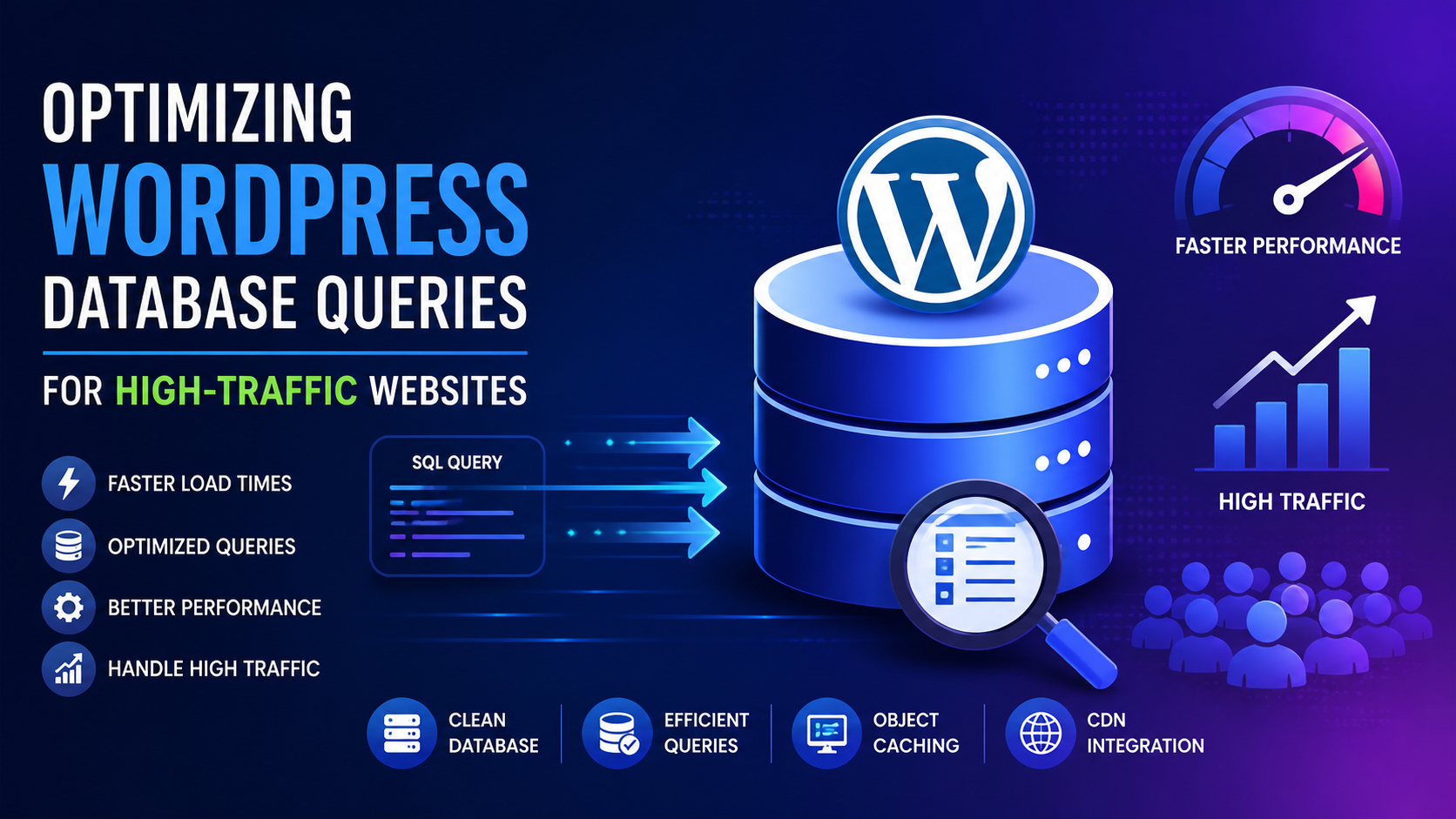
High-traffic WordPress websites have their issues in performance and speed management. One of the most important areas affecting the efficiency of the website is query optimization. When your website gets so many visitors, more unoptimized database queries slow the page loading, increases server load, and affects user experience negatively. Knowing how to optimize these queries is important to ensure a fast and reliable website.
To start, it is necessary to understand how WordPress communicates with its database. Each time a visitor opens your site, WordPress pulls data from the database. This includes posts, pages, settings, and user data. There are multiple queries running in the background. If these queries are not optimised, they can cause a performance issue under heavy traffic conditions. By Going Through A Detailed Guide About WordPress Architecture you can have a better understanding of the core system, themes, plugins and the database architecture.
Learning How to Query Database Load
High-traffic website simultaneously sending lot of requests to database. Every plugin, theme function or dynamic element can add extra queries. As time passes, the demand on your server increases, making response time slower and degrading the user experience. The first step to optimization is determining which elements of your site generate the most queries. when you know where the load is coming from, you can start reducing unnecessary database calls.
Utilize Effective Queries
Formulating Efficient Queries is One of the Most Important Optimization Steps Avoid fetching unwanted records from the database. For example, rather than selecting all columns from a table, request only those fields you actually need. Processing time is reduced and enhances overall performance.
indexing is equally important. With indexes, the database can locate and fetch the required data more quickly especially if the dataset is large. When there’s no indexing on the database, it needs to scan the entire table, which slows down performance when the traffic is high.
Use Cache Objects
Caching objects helps in minimizing the load on the database. It saves the outcomes of database queries in memory to instantly respond to further requests without the need to run the database query again. High-traffic sites can benefit from greatly increased speed and reduced server load when content is accessed repeatedly.
When the same query is requested multiple times, response time and scalability can be improved with caching.
Optimize Database Tables
Over time, your WordPress database collects unnecessary data such as post revisions, spam comments, and expired transients. Too much clutter can slow down your queries. Database cleanup improves the overall database performance.
Besides, optimizing database tables will reduce fragmentation and speed up data retrieval. A clean and optimized database can help run a website efficiently during peak traffic.
Restrict Plugin Usage
Plugins can often create unnecessary database queries that slow down your site. While they offer valuable features, badly coded or unnecessary plugins can have an impact on performance. These plugins may add to the number of queries executed for every page load.
Using only essential plugins that are optimized and regularly updated is quite crucial. When you remove unused plugins it will boost your performance and your security and stability.
Use Content Delivery Networks (CDNs)
CDNs work on cached versions of your website stored on multiple locations which help in reducing the load on your server. Even though CDN (Content Delivery Network) mostly handles static content, it reduces queries to the database because they do not go to the origin server.
A CDN helps you to make your website fast and scalable along with the optimization strategies of the databases, especially the global audiences.
Improve Theme Functions
Database performance can also be impacted by themes. Queries may be repeating or unnecessary due to theme code. Developers must ensure their functions follow best practices as well as avoid duplication.
Reducing complex loops or multiple calls to the database in templates. When a website’s theme is properly optimized, it doesn’t put extra load on the database.
Monitor and analyze performance
Continuous monitoring is essential for maintaining optimal performance. Performance monitoring tools can help you analyze database queries and identify slow or inefficient operations.
By regularly reviewing query performance, you can detect issues early and make necessary improvements. This proactive approach ensures that your website remains fast and responsive even as traffic grows.
Reduce External Requests
Call of external APIs and Third-party integrations may increase overall load time. Even though they are separate from database queries, they can affect performance and ultimately slow the user down.
Reducing the number and handling of requests from the outside helps your site load faster and better.
Use “Lazy Loading” and “Pagination.”
For websites with a lot of content, loading everything at once can add a lot of stress to the database. Lazy loading or pagination loads only the information you need when you access it.
By reducing the number of queries executed at one time, this approach will help speed up page load especially for websites with large content.
Conclusion
Optimizing WordPress database is important and should be done from time to time. Writing efficient queries, implementing caching, optimizing plugins and database tables, etc. all have a huge impact on improving speed and scalability.
If you read A Detailed Guide About WordPress Architecture and understand the basics, you will gain useful insight into how WordPress works and how we can improve its performance.
At Auxilium Technology, we optimize WordPress websites for speed, scale, and performance. Our expert team makes sure that your website is capable of handling high traffic very efficiently that too with a smooth user experience for its growth.