
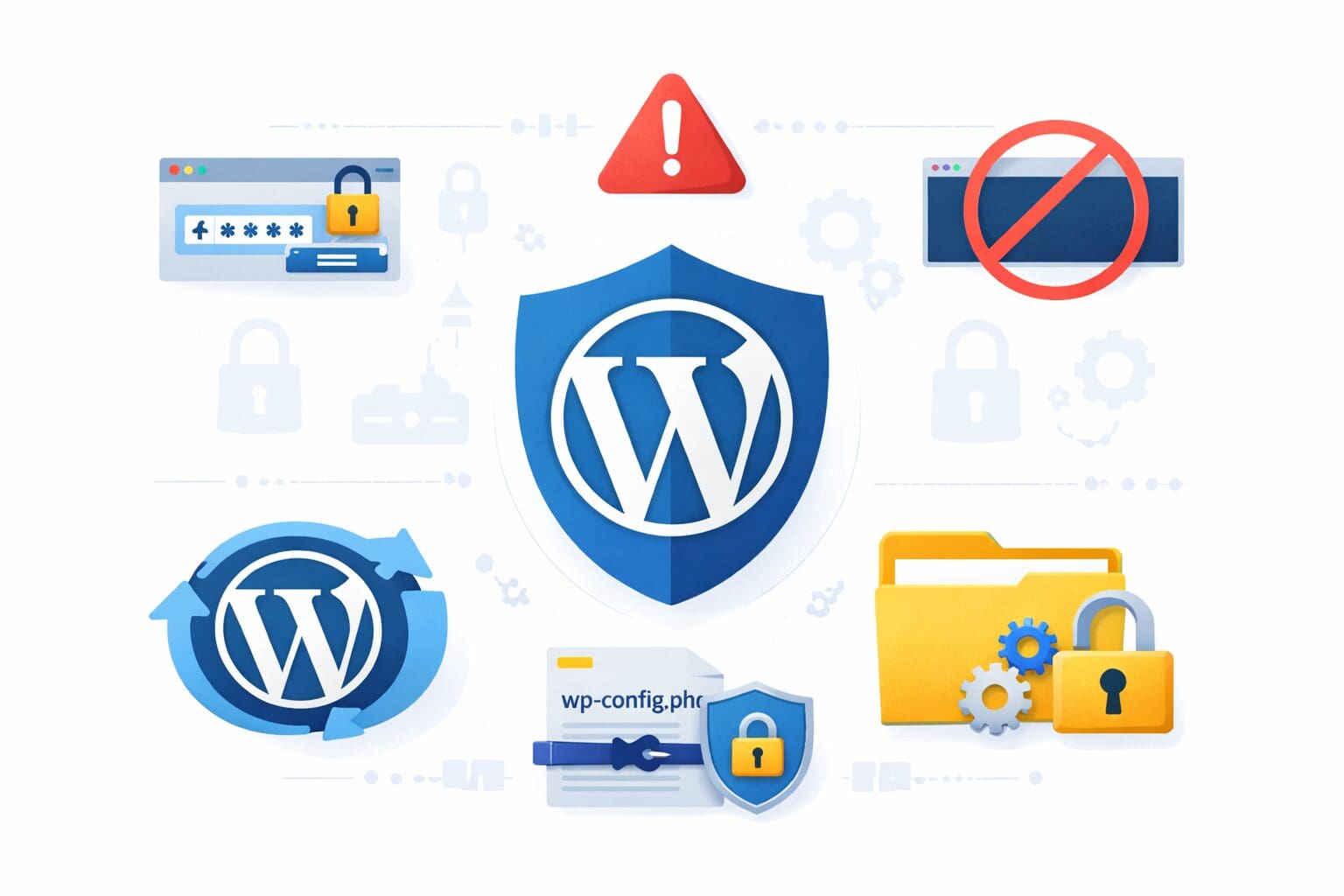
More than 40% of all websites on the internet use WordPress. In other words, it’s the most popular CMS in the world. Due to its flexible nature and ease of use, it is preferred by bloggers, businesses, e-commerce sites, etc. Nonetheless, this ubiquity makes it vulnerable to hackers. Tons of WordPress users use large security plugins to keep their site safe, but these plugins slow down your website and sometimes conflict with other tools.
You don’t need heavy plugins to effectively secure your WordPress website. The good news is that. By configuring carefully and following best practices, you can secure your site without hindering your speed and performance.
This blog will share practical and plugin-light methods to secure WordPress.
1. Keep WordPress Core, Themes, and Plugins Updated
One of the simplest and most effective ways to secure your WordPress site is by keeping everything updated. Hackers often exploit known vulnerabilities in outdated software.
Best practices:
-
Update WordPress core immediately after a new release.
-
Keep themes and plugins updated to their latest versions.
-
Remove inactive plugins or themes to reduce potential attack vectors.
Even a small outdated WordPress plugin can be a gateway for attackers, so regular maintenance is crucial.
2. Strengthen Login Security
The login page is often the first target for hackers. Brute force attacks, where attackers try numerous username-password combinations, are common. Strengthening login security can prevent unauthorized access without using heavy plugins.
Tips to secure your login:
- Use strong passwords with a mix of letters, numbers, and symbols.
-
Change the default username “admin” to something unique.
-
Limit login attempts manually by configuring your .htaccess or web server settings.
-
Enable two-factor authentication (2FA) using lightweight code snippets or simple plugins.
You don’t need a heavy all-in-one security plugin to implement these measures.
3. Secure Your WordPress Database
Your WordPress database contains all your website data, including user credentials, posts, and settings. Securing it is essential.
Key database security steps:
- Change the default database prefix (wp_) to something unique during installation.
-
Regularly back up your database manually or via lightweight scripts.
-
Restrict database access to authorized users only.
-
Use strong passwords for your database accounts.
By hardening your database, you reduce the risk of SQL injection attacks and other exploits.
4. Disable File Editing from the Dashboard
WordPress allows administrators to edit theme and plugin files from the dashboard. While convenient, this feature can be dangerous if your account is compromised.
To disable file editing:
- Open your wp-config.php file.
Add the following line:
define('DISALLOW_FILE_EDIT', true);
- This simple step prevents hackers from modifying your files even if they gain access to your admin panel.
5. Secure Your wp-config.php and .htaccess Files
The wp-config.php file contains sensitive information, such as database credentials and security keys. The .htaccess file controls server behavior and can enhance security.
Best practices:
- Move wp-config.php to a directory above your root folder if possible.
Restrict access to wp-config.php using .htaccess:
<files wp-config.php>
order allow,deny
deny from all
</files> -
Protect .htaccess similarly:
<files .htaccess>
order allow,deny
deny from all
</files> -
Protect .htaccess similarly:
<files .htaccess>
order allow,deny
deny from all
</files> - Securing these files makes it much harder for attackers to compromise your site.
6. Implement HTTPS and SSL Certificates
SSL (Secure Socket Layer) encrypts data transmitted between your website and visitors, protecting sensitive information like login credentials and payment details.
Steps to implement SSL:
- Obtain a free SSL certificate from Let’s Encrypt or use one provided by your hosting provider.
Force HTTPS by updating your .htaccess file:
RewriteEngine On
RewriteCond %{SERVER_PORT} 80
RewriteRule ^(.*)$ https://www.yourdomain.com/$1 [R=301,L] -
Update all internal links to HTTPS to avoid mixed content warnings.
An SSL certificate not only enhances security but also boosts SEO and user trust.
7. Limit Access and Monitor Users
Not all WordPress users need full admin privileges. Limiting access reduces the risk of internal threats and accidental misconfigurations.
Access control tips:
-
Assign the least necessary role to each user.
-
Remove unused accounts.
-
Use server-level password protection for sensitive directories like /wp-admin.
-
Regularly audit user activity logs using lightweight scripts or built-in WordPress tools.
By controlling access, you minimize opportunities for hackers to exploit user accounts.
8. Backup Your WordPress Site Regularly
Even with strong security measures, attacks can still happen. Regular backups ensure you can recover your site quickly.
Backup tips without heavy plugins:
- Use your hosting provider’s backup tools.
-
Schedule automated database and file backups with cron jobs.
-
Store backups offsite (cloud storage, Google Drive, Dropbox) for extra safety.
Frequent backups reduce downtime and data loss, giving you peace of mind.
9. Harden Your WordPress Installation with Lightweight Tweaks
There are several small but effective tweaks you can make without installing heavy plugins:
-
Disable XML-RPC unless needed (reduces DDoS and brute-force attack risks).
-
Hide WordPress version by removing meta tags in header.php.
-
Disable directory browsing by adding Options -Indexes in .htaccess.
Limit post revisions in wp-config.php to reduce database clutter:
define('WP_POST_REVISIONS', 5);
These lightweight measures help strengthen your site without adding bloat.
Conclusion: Secure Your WordPress Site Without Compromise
Securing WordPress doesn’t always require heavy plugins that slow down your site. By following best practices keeping software updated, strengthening logins, protecting files, implementing SSL, limiting access, and backing up regularly, you can create a highly secure WordPress website.
Lightweight measures, combined with careful configuration and vigilance, offer robust protection against most attacks. With these steps, your WordPress site can remain fast, responsive, and secure without unnecessary plugin overhead.
Take control of your website’s security today and implement these strategies for a safer WordPress experience.