
When your site shows a 406 status code, it can be quite annoying, especially if everything looks fine. The 406 Not Acceptable error is not an HTTP error that occurs often, but when it does occur, users do face issues with the website. Being able to troubleshoot and fix this error is essential for keeping any website functioning correctly.
Table of Contents
In this guide, we’ll learn about the 406 error, reasons for its occurrence, and steps you can take to fix it.
What Does the 406 Status Code Mean?
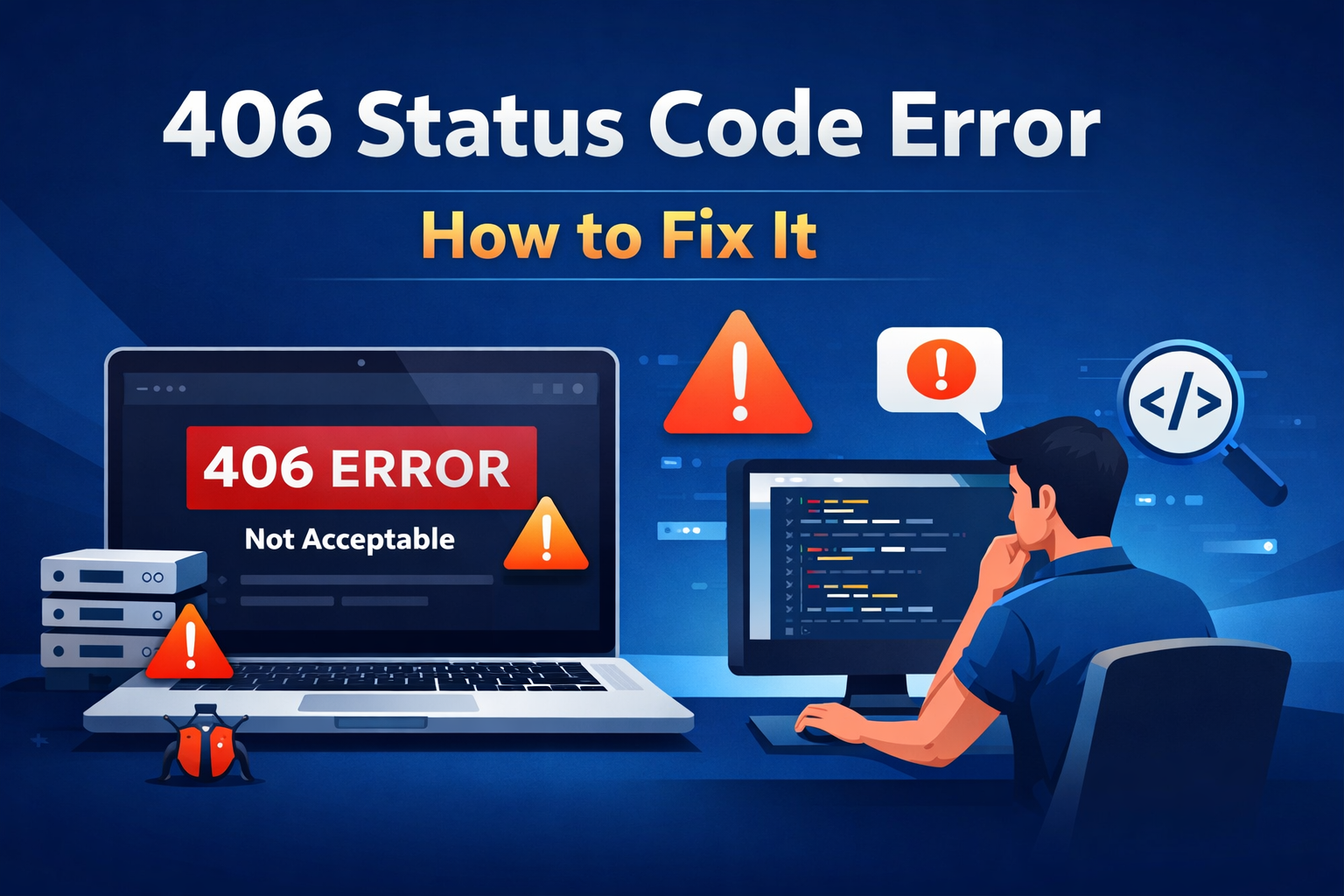
The 406 Not Acceptable status code is an HTTP response error that indicates the server cannot generate a response that is acceptable to the client as per its request headers. In simple words, when the browser requests a specific format (such as JSON, XML, or a particular language), the server cannot provide it, resulting in a 406 error.
At times, the server tries to deliver content based on the client’s accept headers. This issue is related to content negotiation. If there’s a mismatch, the server refuses the request and returns a 406 response.
Common Causes of 406 Errors
To solve the problem, it is important to understand its causes. Below are the most common reasons for a 406 error:
1. Incorrect Accept Headers
Browsers send an “Accept” header to indicate supported content types. If these headers are too strict or not properly configured, the server may fail to deliver the correct response.
2. Incorrect Server Configurations
Server configurations in Apache or Nginx may restrict certain content types. If these settings are not properly configured, they can trigger a 406 error.
3. Defective Plugins or Extensions
Certain plugins may block requests perceived as a threat. For example, security or firewall plugins in CMS platforms like WordPress may result in a 406 error.
4. ModSecurity Limitations
Many hosting providers use ModSecurity for website protection. However, strict rules may block legitimate requests, leading to a 406 error.
5. URL or Query String Issues
Servers may reject malformed requests or unusual query parameters due to strict validation rules.
6. Incompatible Content Type
If the server cannot provide the requested content type, it returns a 406 error instead of sending incompatible content.
Fixing the 406 Status Code Issues
Here are the steps to troubleshoot and fix the issue:
1. Validate the Web Address
Ensure the URL is correct and free from invalid characters, broken links, or unnecessary parameters. Even a small mistake can trigger a 406 response.
2. Review Request Headers in Your Browser
Use browser developer tools to check request headers. Pay attention to the “Accept” header and ensure it is not too restrictive.
3. Disable Plugins Temporarily
If you are using a CMS like WordPress, disable plugins one by one—especially security, caching, or firewall plugins—to identify if any are causing the issue.
4. Check Server Configuration Files
Review server configuration files such as .htaccess (Apache) or Nginx settings. Look for rules that restrict content types or block requests.
5. Temporarily Disable ModSecurity
If your hosting provider uses ModSecurity, disable it temporarily to check if it is causing the issue. If it resolves the problem, adjust specific rules instead of disabling it completely.
6. Verify File Permissions
Ensure all files and folders have the correct permissions, as incorrect settings may prevent the server from delivering content.
7. Test Across Different Browsers
The issue may be browser or device-specific. Test your website on different browsers and devices to identify the problem.
406 Error Prevention Best Practices
It is always better to prevent errors than to fix them later. Follow these best practices:
- Regularly update your CMS, plugins, and server software
- Avoid overly strict security settings
- Test your website across multiple devices and browsers
- Ensure proper content negotiation setup
- Monitor server logs regularly
- Choose reliable hosting with proper configurations
The Significance of Resolving 406 Errors
406 errors can negatively impact your website. Users encountering errors are more likely to leave immediately, increasing bounce rates and reducing engagement.
Search engines prefer websites that provide a smooth and error-free experience. Frequent errors can impact SEO rankings and reduce visibility.
Fixing these issues improves user experience and helps maintain website credibility and performance.
Conclusion
Although troubleshooting a 406 Status Code may seem complex, it becomes manageable with the right approach. Identifying the root cause—whether it is request headers, server configuration, plugins, or security rules—helps in resolving the issue effectively.
Regular monitoring, proper configuration, and timely updates can help prevent such errors. Ensuring your website delivers content correctly is essential for long-term success.
Auxilium Technology specializes in diagnosing complex website problems, including HTTP 406 errors. We ensure your website is secure, optimized, and fully operational, helping you deliver a seamless user experience and achieve consistent digital growth.