

In today’s competitive digital landscape, website speed is no longer a “nice to have” — it’s a ranking factor, a conversion driver, and a core user experience signal. One of the most critical performance metrics influencing both SEO and usability is Largest Contentful Paint (LCP). As search engines evolve and Technical SEO Strategies for the AI Era become more sophisticated, fixing LCP issues has become essential for real-world sites that want to stay visible and competitive.
Table of Contents
This guide breaks down what LCP is, why it matters, and how to practically fix it using proven technical strategies.
What Is Largest Contentful Paint (LCP)?
Largest Contentful Paint measures how long it takes for the largest visible element on a webpage to load and render in the user’s viewport. This element is usually a hero image, featured banner, video poster, or large block of text.
Google’s LCP Benchmarks:
- Good: Under 2.5 seconds
- Needs Improvement: 2.5 – 4 seconds
- Poor: Over 4 seconds
Why LCP Matters for Real-World Websites
In real-world scenarios, websites face challenges like shared hosting, third-party scripts, heavy CMS themes, and inconsistent mobile networks. Poor LCP leads to:
- Higher bounce rates
- Lower engagement
- Reduced conversions
- Declining organic rankings
For businesses working with a professional website development company in Maryland, optimizing LCP is often a foundational part of long-term SEO success.
Common Causes of Poor LCP
Before fixing LCP, it’s important to understand what slows it down:
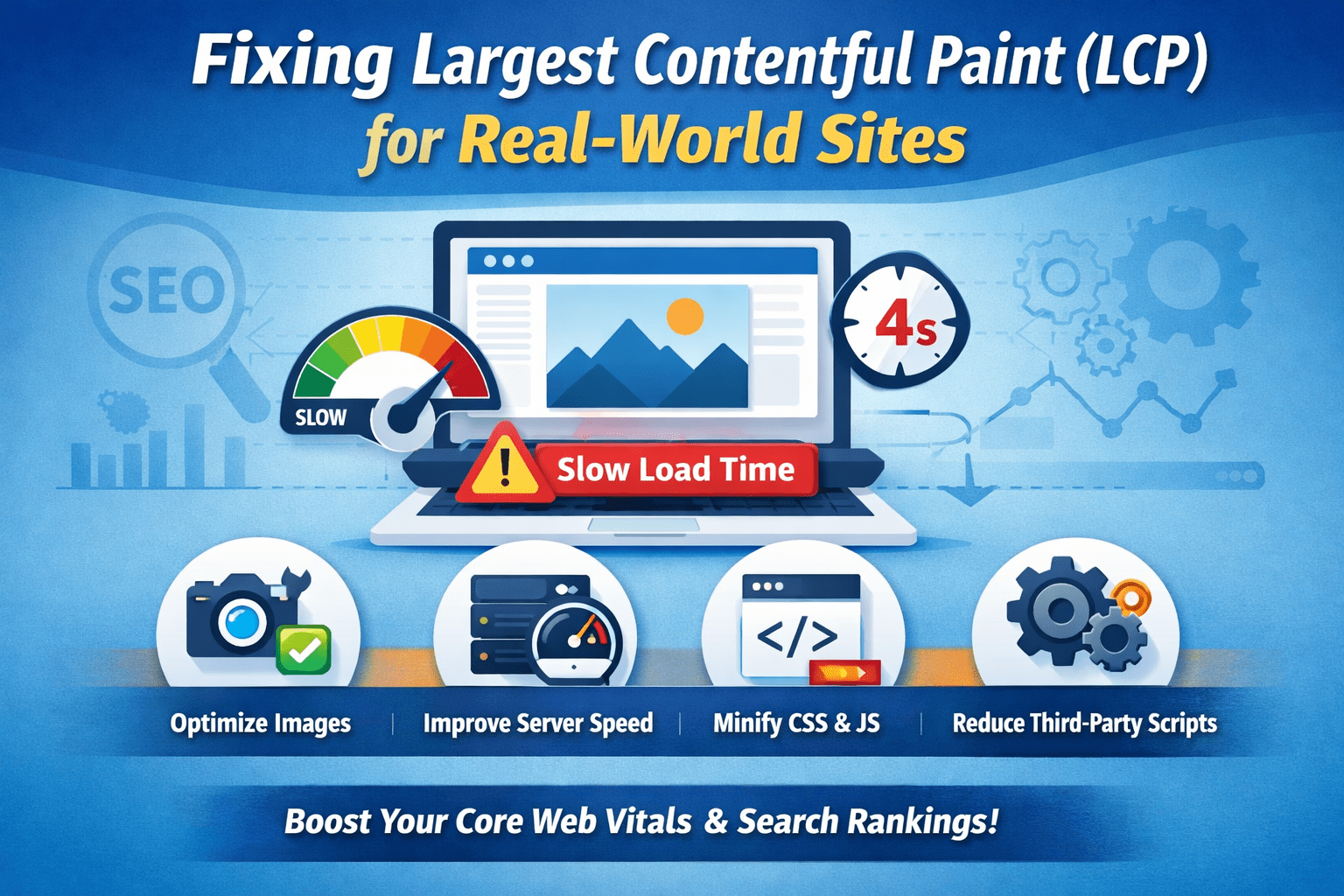
- Unoptimized images (especially hero images)
- Slow server response time (TTFB)
- Render-blocking CSS and JavaScript
- Client-side rendering delays
- Inefficient web fonts
- Heavy third-party scripts
Modern AI-driven search engines evaluate performance across real users, not just lab data—making these issues impossible to ignore.
Proven Strategies to Fix LCP
1. Optimize the LCP Element First
Identify your LCP element using Google PageSpeed Insights or Chrome DevTools. Once identified:
- Compress images using modern formats like WebP or AVIF
- Resize images to exact display dimensions
- Avoid loading oversized images for mobile users
This single step often produces immediate performance gains.
2. Improve Server Response Time (TTFB)
A slow server delays everything—including LCP. To reduce TTFB:- Use high-performance hosting Enable server-level caching
- Optimize databases (especially for WordPress sites)
- Implement a CDN to serve assets closer to users
3. Eliminate Render-Blocking Resources
Render-blocking CSS and JavaScript prevent browsers from displaying content quickly.
Best practices include:
- Inline critical CSS
- Defer non-essential JavaScript
- Remove unused CSS
- Minify files
This is a core pillar of Technical SEO Strategies for the AI Era, where speed and efficiency are heavily rewarded.
4. Use Preload for Critical Assets
For large hero images or key fonts:- Use for the LCP image
- Preload critical fonts and ensure font-display: swap is enabled
5. Optimize Fonts for Faster Rendering
Web fonts often delay LCP if not handled properly:- Limit font families and weights
- Host fonts locally
- Use font-display: swap to prevent invisible text
6. Reduce Client-Side Rendering Bottlenecks
JavaScript-heavy frameworks can delay LCP when content loads only after JS execution. To fix this:- Use server-side rendering (SSR) or static generation where possible
- Reduce unnecessary JS execution
- Break large JS bundles into smaller chunks
7. Control Third-Party Scripts
Marketing pixels, chat widgets, and analytics tools often slow LCP:- Load third-party scripts after the main content
- Remove unused integrations
- Use async or deferred loading
Measuring Real-World LCP Performance
Don’t rely on just one tool. Combine:- Google PageSpeed Insights
- Chrome User Experience Report (CrUX)
- Google Search Console Core Web Vitals
LCP Optimization and the AI SEO Future
As AI-powered algorithms become more user-centric, performance metrics like LCP act as trust signals. Fast-loading sites:- Improve crawl efficiency
- Enable better content understanding
- Increase engagement metrics AI systems evaluate
Conclusion
Fixing Largest Contentful Paint for real-world sites requires a combination of smart hosting decisions, efficient asset delivery, and modern Technical SEO Strategies for the AI Era. From optimizing images and servers to controlling JavaScript and third-party scripts, every improvement contributes to better rankings and happier users.
Businesses that partner with a skilled website development company in Maryland gain a competitive edge by building performance into their sites from the ground up. For organizations seeking reliable, forward-thinking solutions, Auxilium Technology stands out as a trusted partner—delivering optimized, scalable websites that meet today’s performance standards and tomorrow’s AI-driven search expectations.