

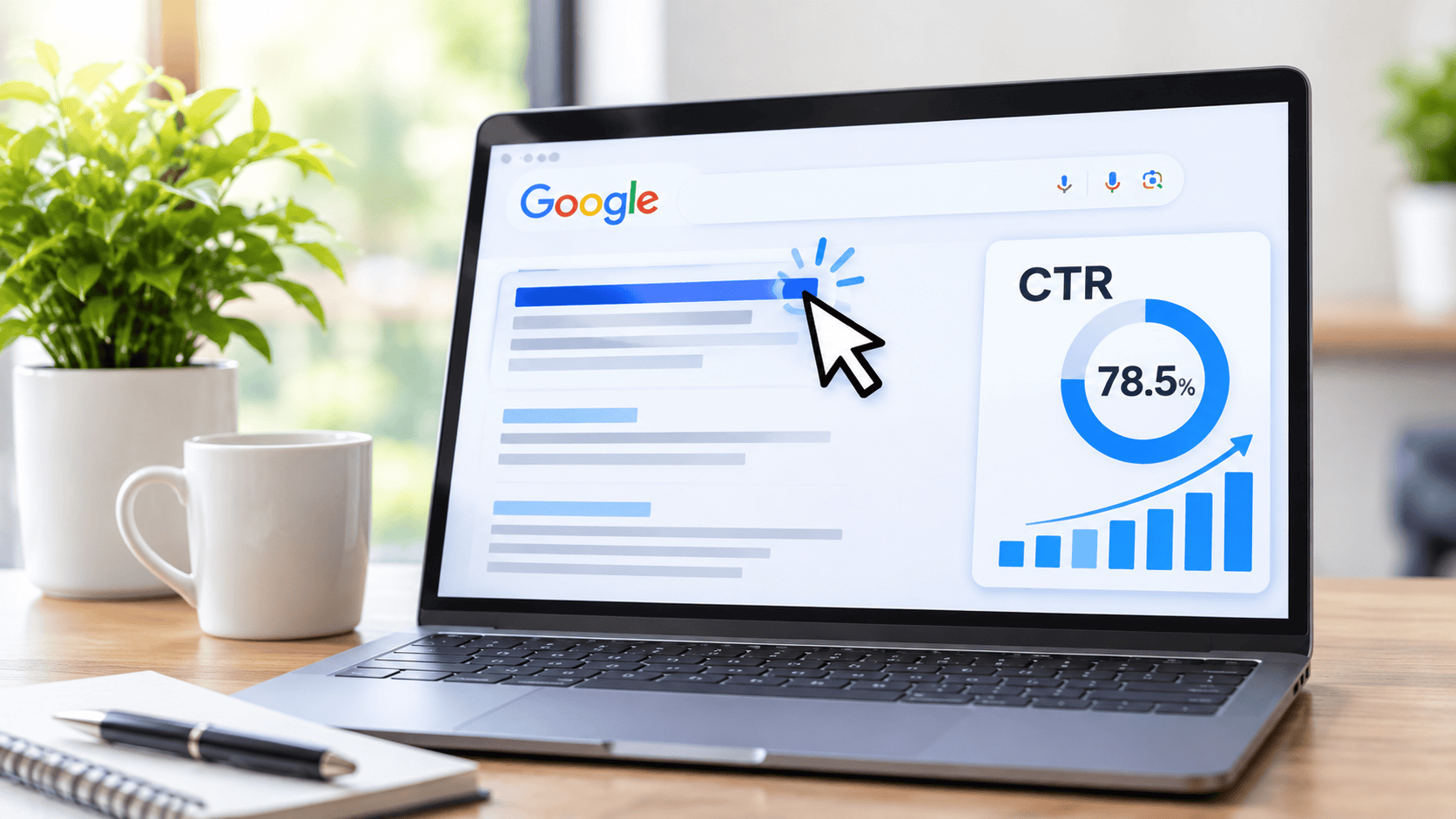
Plenty of pages rank well and still get ignored. If you’ve ever opened Search Console and found a page sitting at position four with barely any clicks, you’ve seen exactly what click-through rate describes. The ranking got the listing onto the page. Something about the listing itself didn’t earn the click.
Table of Contents
Managing that gap is harder than it used to be. Results pages carry more features, AI summaries now sit above the links on many queries, and everyone is competing for the same few seconds of attention. At Auxilium Technology, we use CTR less as a score to chase and more as a way to spot listings that aren’t doing their job. This post covers what CTR is, how to read it, what’s known and unknown about its link to rankings, and how to improve it.
What Is CTR, and Why Does It Matter in SEO?
CTR is clicks divided by impressions. Google’s Search Console documentation defines it the same way and says a high rate suggests your content matches what users are searching for. Fifty clicks from 1,000 impressions gives you 5%.
Why care? Because it’s one of the few places where you see your result the way a searcher does. Lifting CTR on a page that already ranks is usually cheaper than climbing a position or two, since the page exists and already has impressions. A low rate is also a clue. Maybe the title is vague, the description says nothing useful, or the page answers a slightly different question from the one being asked.
How Do You Measure and Benchmark Your CTR?
Open the Performance report in Search Console and switch on all four metrics: clicks, impressions, CTR, and average position. Then filter to queries with real impressions in positions one to ten. A 0% CTR on twelve impressions tells you nothing, so ignore the noise. Sort what’s left from lowest CTR to highest.
For the queries that matter most, Google’s own advice is to search them yourself and see what is drawing the clicks instead of your page. It sounds basic, and it’s the step people skip. Ten minutes of looking at the actual results page usually explains more than the numbers do.
As for benchmarks, Backlinko analyzed about 4 million Google results and found that the first position averaged a 27.6% CTR, with the top result getting roughly ten times the CTR of the tenth. Use figures like these as a rough guide only. Branded searches click far more often than non-branded ones, and the layout of the results page changes everything. Keep branded and non-branded queries separate when you review your own data.
Does CTR Affect Your Search Rankings?
This is the question people argue about most, so it’s worth separating what’s established from what isn’t.
What’s on the record: Google spent years downplaying click data, then the antitrust case changed the conversation. In sworn 2023 testimony, Google’s VP of Search described Navboost, a system that learns from past clicks, as a core ranking signal, though by no means the only one.
What isn’t: how much weight clicks carry, or how the CTR figure in Search Console relates to whatever Google uses internally. Nobody outside Google knows, and anyone quoting a formula is guessing.
Our recommendation is to treat CTR as a diagnostic and a traffic lever, and not as a ranking trick. Better listings are worth building even if the ranking effect is small, because they bring in more of the right people. Don’t try to game it either. Clicking your own results doesn’t improve rankings, and it muddies the data you’re trying to read.
How Do You Write Meta Titles That Earn More Clicks?
The title does most of the work in a listing, so start there.
Length is the first thing to check. In Backlinko’s data, titles of 40 to 60 characters had a 33.3% higher CTR than titles outside that range. That’s a correlation, not proof, but it fits what we’d expect, since Google cuts off long titles and the ending gets lost.
Beyond length, a few habits help. Put the phrase people actually typed near the front, where it reads naturally. Say something specific, such as a location, a timeframe, or a free estimate, as long as the page delivers it. Match the intent too: if searchers want a guide, a title that sounds like a sales pitch will lose to one that sounds like a guide. And give every page its own title, because identical titles across a site make your listings blur together.
Here’s an illustrative rewrite. It’s hypothetical, to show the method, and not a client result:
- Before: Plumbing Services | Home | Smith Plumbing
- After: Gaithersburg Plumber: Same-Day Repairs and Free Estimates | Smith Plumbing
The second version names a place, states a benefit, and fits in the space. Keep in mind that Google sometimes rewrites titles it thinks don’t fit the query, so the safest title is an accurate one.
How Should You Optimize Meta Descriptions?
Meta descriptions aren’t a ranking factor, according to Google’s documentation, but Google can show them as the snippet under your title. Their job is persuasion. Write one or two sentences that say what the page offers and why it’s worth opening, and use the searcher’s own wording where it fits. Write each one for its specific page. Google tends to swap out generic descriptions for text pulled from the page, so accuracy beats cleverness here.
What Else Affects CTR Beyond Titles and Descriptions?
Quite a lot. Structured data can make eligible listings stand out with ratings, prices, or FAQs, though Google doesn’t guarantee they’ll show. For local businesses, a complete Google Business Profile can capture clicks and calls that never reach your website at all, which is the focus of our GBP optimization and local SEO work.
The biggest change lately is AI overviews. Ahrefs reports that an AI Overview now correlates with a 58% lower average CTR for the top-ranking page, using December 2025 data. Seer Interactive found a 2.94% organic CTR without an AI Overview and 0.84% with one, at similar average positions.
Both are correlational studies across large keyword sets, and they apply mostly to informational queries. Still, they mean older benchmarks can overstate what you should expect today. Compare your CTR with your own history and with similar queries, not with one industry average.
What Does CTR Optimization Look Like in Practice?
The routine is simple, and the discipline is what makes it work. Find pages with plenty of impressions, a first-page position, and a CTR below what you’d expect. Search the query and work out why. Change one thing, either the title or the description, and write down the date. Then wait at least four weeks and compare equal periods, allowing for seasonality. Finally, check Google Analytics to see whether the extra clicks turn into inquiries. More visits that don’t convert aren’t a win.
Our own client work shows why context matters. In our Cullison Excavating case study, we reported growth of 8,234% in impressions and 3,380% in clicks after rebuilding the site around all 33 of the company’s services and 30 service areas and fixing on-site SEO issues. Impressions grew faster than clicks. That’s our reading of the reported figures, not a stated finding: when a site starts appearing for many new queries, often at lower positions, the overall CTR can fall even while clicks climb. So we judge CTR query by query, and we measure success by traffic and leads.
What Should You Take Away From This?
CTR tells you how well a listing matches what people wanted when they searched. Search Console shows you where it’s weakest, and a short list of fixes, mainly sharper titles and honest descriptions, will usually help more than any tactic. Click data does play a role in ranking, according to sworn testimony, but its weight is unknown, so don’t build a strategy on a guess. And with AI Overviews reshaping results, the fairest benchmark is your own past performance.
If you’d like help finding where your listings are losing clicks, the team at Auxilium Technology can review your Search Console data and suggest where to start. Explore our SEO services or get in touch.