



You open Analytics expecting a normal Tuesday, and the line is lower than last week. Then last month. Somewhere in there, you have to decide: panic, ignore it, or figure out what happened.
Table of Contents
Traffic drops have a limited number of real causes: broken tracking, a site change, an algorithm shift, aging content, a technical issue, or the newer factor of AI-generated answers eating into clicks. Once you know which one you're facing, the fix stops being a mystery.
Objective of This Blog
To give you a diagnostic process, you can run this week so you know what you're fixing before you touch anything. Guessing wastes time; a structured check doesn't.
Why Your Website Traffic Is Dropping
Before fixing anything, get an accurate diagnosis. The sections below go in order: rule out false alarms first, then work through the real causes, from sudden crashes to slow bleeds to the newer AI Overview effect.

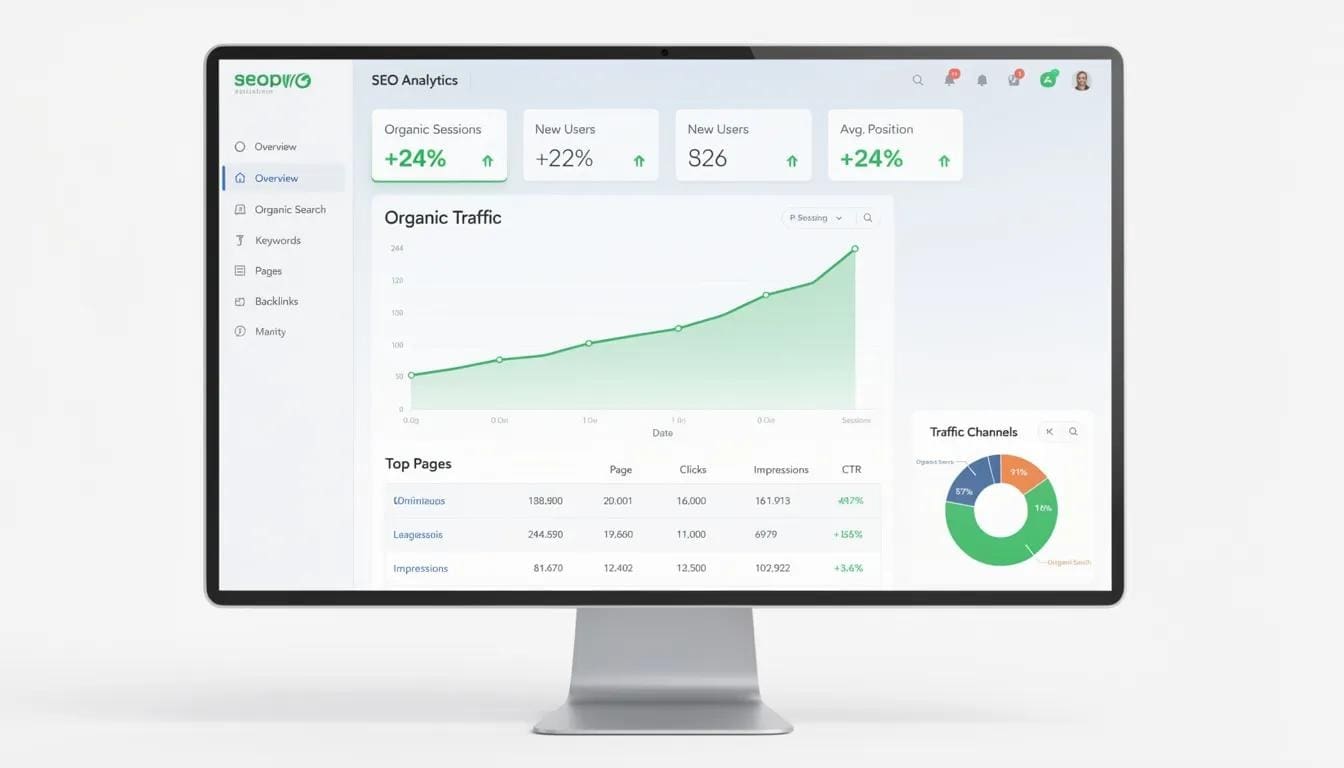
First, confirm the drop is real.
Before touching anything, rule out the boring explanation: your analytics might be wrong, not your rankings. A CMS update, new plugin, or theme change can quietly strip out a tracking script. Aggressive bot filtering can remove real visitors from reports.
The fastest check: compare Search Console impressions against Google Analytics sessions for the same window. Flat impressions with collapsed sessions mean a measurement problem, not a visibility one. Also, break traffic down by channel. If only organic fell, look at search-specific causes.
This is exactly the kind of check we build into ongoing website maintenance at Auxilium Technology, so a broken tag doesn't quietly cost you a quarter of decision-making.
Gradual Declines vs. Sudden Crashes
Gradual drops (a few points a quarter) are usually cumulative. Content ages out as competitors publish fresher material or formats shift. Rankings slip a position or two across dozens of pages at once; it's easy to miss, but it can quietly erase a third of your traffic.
Sudden drops (double digits within days) almost always have a clear, findable trigger. Before anything else, check Search Console's Indexing report for a spike in errors around the date traffic fell. The usual suspects:
- A redesign or migration without proper 301 redirects
- Pages deleted or merged without a mapping plan
- A new template that strips out schema markup or heading structure
- Broken internal links hide key pages from Google
The second most common cause is an algorithm update. Google's core updates through late 2025 and into 2026 have leaned harder on quality and trust signals, with independent analysis finding 40–60% of sites seeing measurable movement, and affiliate-heavy content hit hardest. Match your decline against confirmed rollout dates.
A manual penalty is rare but severe, typically a 70%+ overnight loss from a clear guideline violation. Check Search Console under Security & Manual Actions; if nothing's listed, this isn't your cause.
The AI Overview Problem
Rankings can look fine while sessions keep falling anyway. Increasingly, the explanation isn't your site; it's how the results page itself has changed. AI-generated answer boxes now appear on roughly half of Google searches, most often on informational queries. Studies from Pew Research, Ahrefs, and Seer Interactive have found organic click-through rates ranging from 30% to over 60% on queries where these summaries appear, even for position-one pages.
The tell: Search Console shows impressions flat or climbing while clicks fall. That specific pattern, rising visibility and falling clicks, points to demand being absorbed by an on-page answer rather than genuine ranking loss.
A few things seem to earn citations inside these summaries:
- Explicit definitions rather than assumed context
- Content updated meaningfully, not just re-dated
- Clean structure and schema markup
- Visible authorship that signals real trust
Technical and Content Gaps
Even great content won't rank if Google can't crawl or render it well. Start with the basics:
- Robots.txt rules that might be blocking key sections
- Missing or conflicting canonical tags
- Broken internal links
- Largest Contentful Paint under 2.5 seconds, Interaction to Next Paint under 200ms, Cumulative
- Layout Shift under 0.1
Pages with LCPs slower than 3 seconds have shown roughly 23% steeper losses than faster competitors.
On the content side, the most overlooked issue is search-intent mismatch: ranking for the right keyword but answering the wrong question in the wrong format. Thin or duplicate pages get consolidated by Google onto whichever version is strongest, so three mediocre pages can hurt more than one comprehensive one. Before publishing, ask honestly: Does this answer the real question, add something competitors don't, and link naturally to related pages?
That's the operating principle behind Auxilium Technology's own content and blogging services, built to help the reader first, with SEO layered on rather than forced through.
When It's Not Your Site
Sometimes the cause is external. Backlinks quietly disappear as source sites redesign or get deindexed. A lost-links report shows what vanished and when. Competitors may simply have moved faster, publishing deeper content or tightening page experience while yours stood still. And brand signals, mentions, reviews, and branded search volume increasingly feed into how much both users and AI systems trust a site enough to click or cite it.
How to Fix It
Once you know the likely cause, often it's more than one; recovery is a matter of sequence, not guesswork. Work through the steps below in order.


A Practical Recovery Framework
Work through fixes in order. First, protect what's already working: identify your top traffic and lead pages, fix technical issues, and strengthen internal links to them. Second, prioritize refreshing over creating; an updated page keeps its existing backlinks and history, which a new URL doesn't have. Third, clear technical blockers immediately; no content improvement matters if Google can't index the page. Fourth, rebuild authority through original research, credible backlinks, and transparent authorship, the slowest lever but the one that makes recovery durable.
For businesses without the internal bandwidth to coordinate all four, this is the kind of layered project we typically handle through digital transformation services, where technical, content, and strategy move together.
Key Takeaways
- Many "drops" are tracking problems, not real visibility loss.
- Sudden drops usually trace to a site change, algorithm update, or (rarely) a penalty. Slow bleeds usually come from content aging out or rankings slipping gradually.
- AI Overviews now appear in roughly half of Google searches, and independent research has repeatedly found organic click-through rates falling by 30–60% on queries where they appear, even with unchanged rankings.
- Recent core updates have pushed E-E-A-T expectations well past health and finance into nearly every industry.
- Pages with the largest contentful paint times over 3 seconds have shown noticeably steeper losses than those of faster competitors.
- Recovery works best in order: confirm, diagnose, fix technical blockers, then rebuild content and authority.
- Technical fixes can show results in weeks; authority rebuilding is usually a multi-month process.
Ongoing maintenance, not a one-time fix, is what keeps recovered traffic from sliding again.
Why Businesses Trust Auxilium Technology
Auxilium Technology is a full-service digital marketing agency based in Rockville, Maryland, working with businesses across the United States. The team handles SEO, local SEO, web design and development, PPC, social media marketing, and ongoing website maintenance, which is why traffic-drop audits like the one in this guide are part of daily work rather than a one-off service.
Auxilium is a Google Certified Partner, holds more than 30 industry awards, and reports a 94% client retention rate across hundreds of completed projects. Clients tend to be home-service and professional-service businesses, law firms, healthcare providers, contractors, and similar businesses that need dependable, transparent reporting rather than vague promises. If your traffic drop needs a second set of eyes, that's the kind of diagnostic work the team runs regularly, not a hypothetical.
Conclusion
A traffic drop is rarely one mistake; it's usually a few small things compounding. The sites that recover fastest diagnose calmly, fix things in order, and treat SEO as ongoing maintenance rather than a finished project. If you're still not sure where your traffic went, Auxilium Technology is glad to walk through what we're seeing on your site before you commit to a fix.
Frequently Asked Questions
Can a tracking issue cause a false traffic drop?
Yes, CMS updates, plugins, and consent-banner edits silently break tracking often. Compare Search Console impressions to analytics sessions first.
Why is traffic dropping even though I keep publishing?
Volume without depth or fresh intent-matching rarely helps and can dilute overall site quality signals.
How do I know if an algorithm update caused this?
Match the timing against confirmed rollout dates and check whether similar sites saw comparable movement.
Why are impressions steady while clicks fall?
Usually, AI overviews or another zero-click feature absorb demand before users reach your site.
Do I need to rewrite my whole site?
Rarely. Start with your highest-value pages and expand outward.