


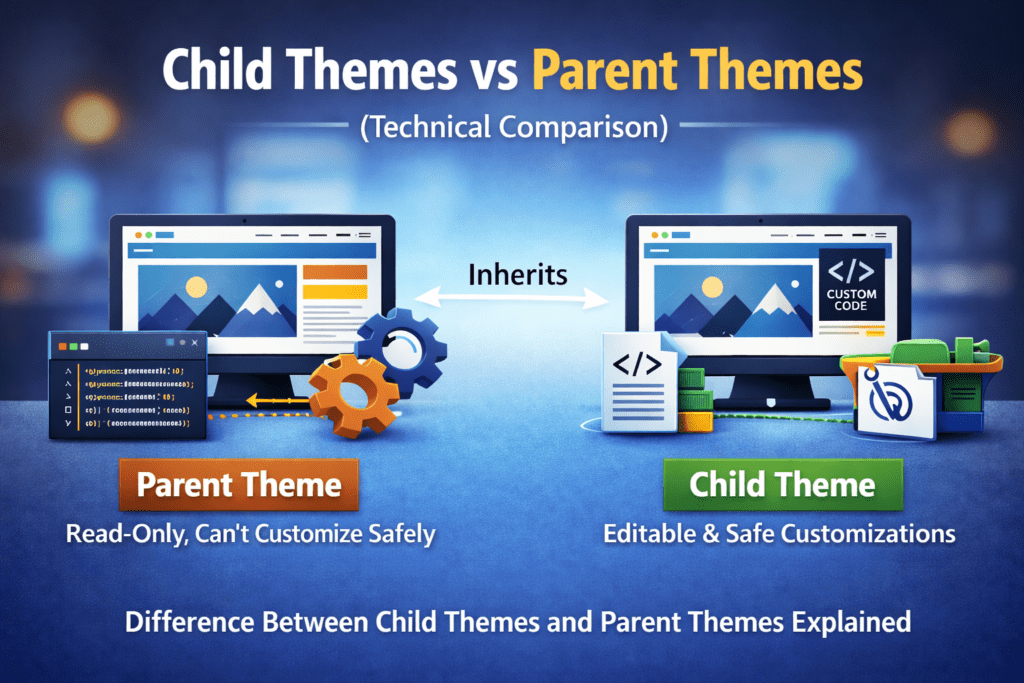
When creating or customizing a WordPress website, one of the major technical decisions developers and website owners have to make is whether to use a parent theme or a child theme. Although both are critical components of WordPress architecture, they serve different purposes and perform differently when it comes to customization, performance, and long-term maintainability.
Understanding the technical differences between parent and child themes is essential for creating scalable, secure, and update-safe WordPress websites—especially for businesses working with a professional website development company in Maryland.
In this parent–child themes guide, we will take a deep technical look at how they work, when to use one, and how they are relevant to modern WordPress development.
Themes and Their Functionality in WordPress Architecture
Themes regulate the presentation of a website in WordPress architecture. They control how stored content from the database is displayed to users. Themes do not contain content; instead, they render content using templates, stylesheets, and functions.
All WordPress themes include:
- Template documents (index.php, single.php, page.php)
- A stylesheet
- Functionality that can be added through functions.php
- Assets such as images, CSS, and JavaScript
Themes are located in the /wp-content/themes/ directory and are loaded after the WordPress core but before plugins during execution.
What Is a Parent Theme?
A parent theme is a standalone WordPress theme that contains:- All required template files
- Complete styling
- Key theme features
Technical Characteristics of Parent Themes
- Self-contained
- Offers foundational designs, styles, and functionalities
- Maintained and updated by theme developers
- Can be customized directly (not recommended)
Key Technical Aspects of a Child Theme
A child theme typically includes:- style.css (with reference to the parent theme)
- functions.php (loaded after the parent theme’s functions)
- Optional template overrides
Technical Interaction Between Parent and Child Themes
From a technical perspective, WordPress loads themes in the following order:- WordPress core initializes
- Parent theme loads
- Child theme loads and overrides parent elements
- Hooks and filters are executed by plugins
Why Child Themes Are Preferred for Custom Development
1. Update and Security Protection
One of the biggest technical advantages of child themes is update safety. Parent theme updates often include:
- Bug fixes
- Performance enhancements
- Compatibility with the latest WordPress versions
Directly modifying a parent theme risks losing changes during updates. Child themes prevent this issue.
2. Cleaner Code Management
Child themes separate custom code, making it:
- Easier to troubleshoot
- Simpler to maintain
- Easier for developers to transfer
This technical separation is essential for professional workflows, especially for a website development company in Maryland.
When Should You Use a Parent Theme Alone?
Using only a parent theme may be acceptable when:
- No custom coding is required
- All design requirements are met by the theme
- Long-term customization is not expected
- The site structure is fixed and limited
However, even small CSS changes justify creating a child theme.
When Should You Always Use a Child Theme?
A child theme should always be used if:
- You plan to modify templates
- You add personalized custom programming
- You customize CSS beyond minor tweaks
- You want long-term scalability
- You work with a development team
Child themes are considered best practice for professional WordPress projects.
Child Themes in Modern WordPress Development
Child themes remain relevant in modern WordPress development, supporting:
- Theme blocking
- Full Site Editing
- Custom Gutenberg blocks
They help prevent template overrides, allow global style customization, and support structured design systems—demonstrating their deep integration with WordPress.
Avoiding Common Mistakes
- Editing parent theme files directly
- Not enqueuing styles properly
- Placing plugin-level logic inside a child theme
- Ignoring parent theme documentation
Conclusion
Understanding parent themes and child themes is essential for building stable, secure, and scalable WordPress websites. Parent themes establish the foundation, while child themes enable safe customization, easier maintenance, and future-proof development.
In modern WordPress architecture, child themes are not optional—they are a best practice to protect long-term investments.
Auxilium Technology helps businesses build and maintain high-quality WordPress websites using proper technical approaches. Every layer of development should follow industry best practices to deliver long-term value.