


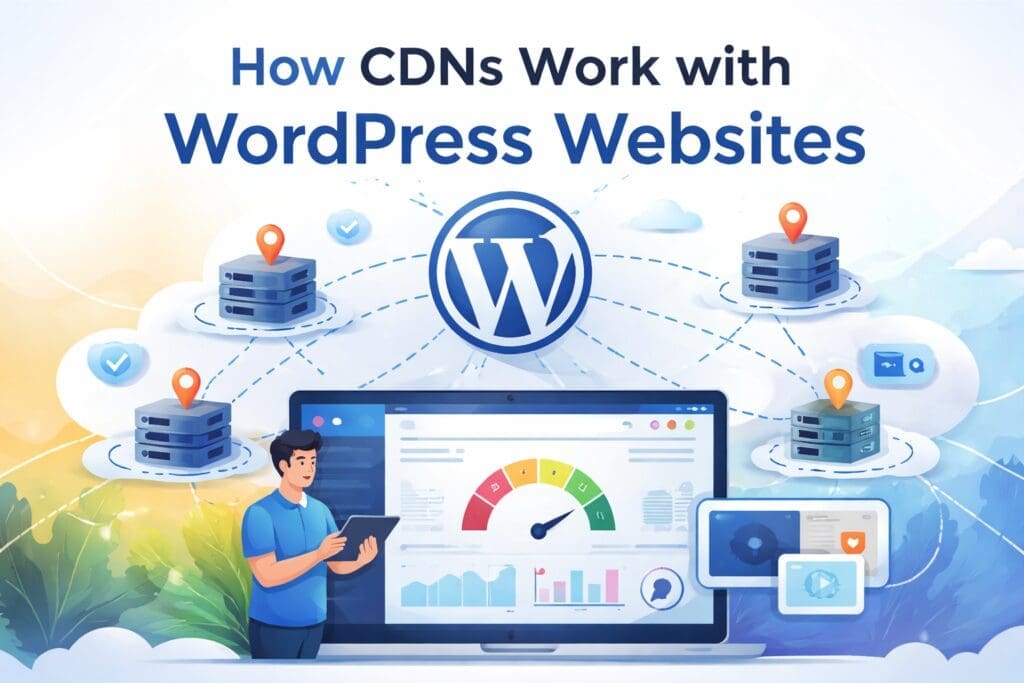
The current business environment dictates that if you aim to achieve certain online goals, you need an online platform. The website should load within a few seconds, as per users. Also, search engines prefer fast-performing websites.
Table of Contents
Using a Content Delivery Network (CDN) is one of the effective ways to achieve best performance for WordPress websites. Being knowledgeable about how CDNs function with WordPress helps businesses to make better decisions regarding performance optimization and scaling, and the long-term website maintenance.
This article goes over what a CDN is, how it fits into WordPress architecture, and why a website needs it.
What Is a CDN? Why You Need It?
A Content Delivery Network (CDN) is a network of proxy servers that are positioned in various geographical locations. Moreover, it helps deliver website content from the server that’s closest to the user.
In the past, all content, be it images, scripts, stylesheets, or files, was hosted on a single server. The setup resulted in delayed site access for users residing afar. By caching content close to the user, a CDN solves the problem of distance.
A CDN is especially useful for businesses that deal with a website development company in Maryland. Hosting locally won’t deliver fast performance nationally or internationally, so one needs a CDN.
Before CDN Integration, Learn About WordPress Architecture
To know how CDNs work with WordPress, you need to understand WordPress architecture. WordPress refers to a content management system (CMS).
Core components include:
- Server-side processing in PHP
- MySQL or MariaDB for database management
- Quality of presentation topic
- Plugins to add extra features
How WordPress processes a request:
- A user opens a WordPress website
- Server executes PHP code without issue
- Queries are executed in the database
- The page has been put together
- The final result is sent to the user’s browser
This occurs for each request, unless caching has been used. Efficiently reduce the frequency of heavy operations that slow down apps.
Connections Between CDNs and WordPress Websites
A CDN is not a replacement for your WordPress hosting. This is how the integration works.1. Content Caching
The CDN makes replicas of your WordPress site’s static materials, including:
- Pics
- CSS documents
- JS files
- Multimedia and downloadable files
These assets are stored on CDN servers around the world.
2. Intelligent Request Direction
The CDN makes replicas of your WordPress site’s static materials, including:- When an individual comes to your WordPress site
- The user’s location is detected by CDN
- Cached files are retrieved from the local CDN server
- The origin server receives dynamic requests (such as forms, admin actions, and logins)
Static and Dynamic Content in WordPress
Static websites are not the only use of CDNs. Nowadays, CDN identifies static and dynamic content smartly.- The CDN is responsible for delivering static content (images, scripts, stylesheets)
- Dynamic content is processed using database queries and user sessions
Using a CDN with WordPress Offers Performance Benefits
1. Quicker Loading Durations
By serving content nearer users, CDNs reduce latency, resulting in:- Improved user experience
- Decrease site exit
- Greater conversion outcomes
2. Less Burden on Server
When you offload the delivery of an asset, your host server will serve fewer requests. Beneficial for:- Popular blogs
- Rich content sites
- Virtual market
Benefits of CDNs for WordPress SEO
Speed and user experience are one of Google’s ranking factors. CDN assists SEO by:- Enhancing speed of load pages
- Improving Core Web Vitals
- Maximizing system uptime and accessibility
Security Features Offered by CDNs
Built-in security features are offered by modern CDNs:- Protection against DDoS attack
- WAF
- Blocking bots
- Protection of data
CDNs and Scaling for Growing WordPress Sites
WordPress sites may have problems without CDN:
- Response times are slow
- The server fails upon increased traffic
- Increasing hosting prices
Scaling up traffic is possible with the aid of CDN and is consistent during:
- Marketing campaigns
- Discounts by season
- Content surges viral
This flexibility lends businesses working with a web development company in Maryland a digital presence for the future.
How to Maintain a Website on a Budget
Websites can be maintained by CDNs by:- Lowering resource consumption for hosting services
- Increasing reliability and uptime
- Making downtime less risky
- Strengthening security without regular updates
How to Sync Custom CDN with WordPress
Get the maximum advantages from a CDN:- Select a CDN supporting WordPress
- Correctly configure caching rules
- Don’t cache your admin and login pages
- Frequently analyze your website performance
- Utilize CDN and WordPress caching plugins
- Ensure proper integration with WordPress architecture
Conclusion
A high-performance WordPress website needs a content delivery network as its backbone. Content Delivery Networks work perfectly with WordPress designs to improve speed, boost security, lower server load, and simplify upkeep.
WordPress sites can deliver fast, reliable experiences worldwide and also can scale up with a CDN. If your business requires a robust and secure WordPress solution and you want experts in development and optimization, connecting with us will help.
Auxilium Technology provides expert CDN implementation WordPress solutions for the best digital opportunities.